Range Extenders
Range Extenders
Range Extenders are compact signal masts crafted with smelted Optimium. A mast extends a Fleet Remote’s network with a 128-block radius. Linked masts can relay through one another.
Choose a compatible download whose release notes include Range Extenders.
Craft a mast
At the Optimus Assembly Dock, choose Robotics → Range Extender. One mast costs 6 Optimium Ingots, 4 Iron Ingots and 4 Copper Ingots and takes 4 seconds to craft. Mine Optimium ore and process its raw material in a Furnace first.
Place the mast on solid support with enough headroom for its 3.5-block height. Its footprint stays within one block. A small angled computer near the base provides the interaction point.
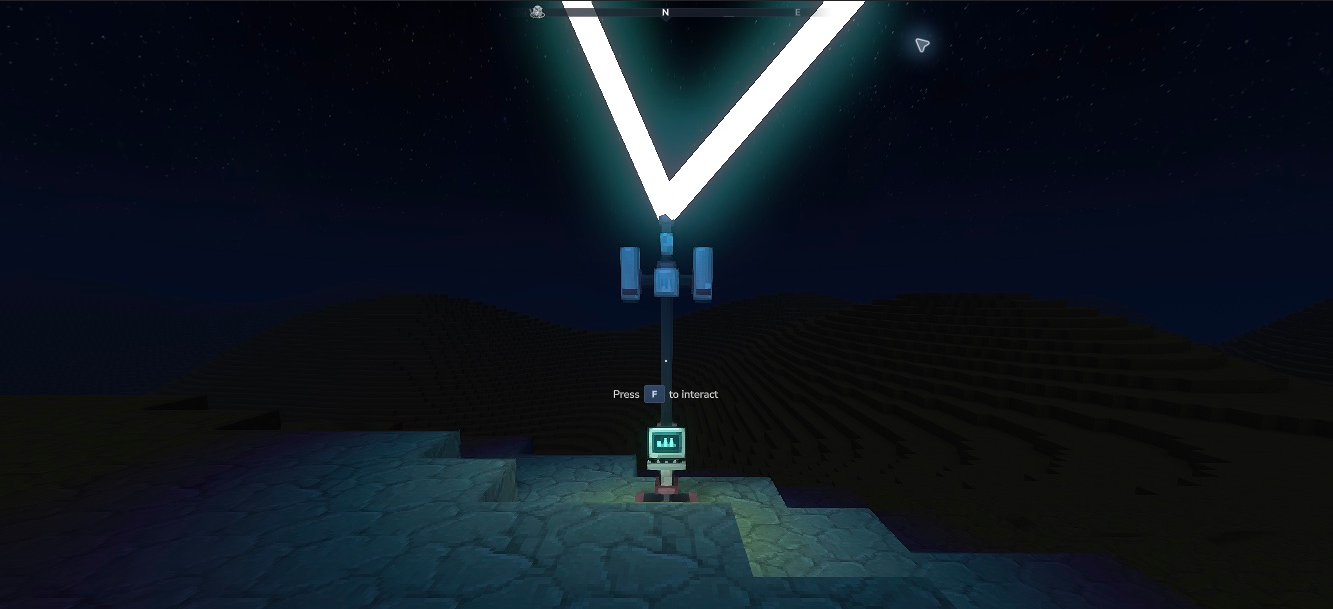
Native Hytale 0.7.4: a taller mast, accessible terminal and soft light at its base.
Link a Fleet Remote
- Face the mast’s computer and use your usual Interact binding, normally F.
- Select your Fleet Remote from the displayed player inventory, then click the Link Remote box. This moves the actual item into the mast.
- Leave it there while the signal bar fills over six seconds.
- When the panel says Linked, click the box to take the same remote back. It is not consumed.
The revised panel shows all 36 storage slots and the nine-slot hotbar together. Equipped backpack storage appears in its own panel. Your normal inventory does not scroll, and every displayed item is from your actual inventory.
Removing a remote before completion cancels that attempt. Closing the panel keeps the physical item inside the mast; unfinished synchronisation restarts when you reopen it. Completed links and stored items persist across normal save/reload. Keep an empty inventory slot when retrieving your remote.
A mast can link several remotes. Repeat the process for each one. The list shows your own linked remote identities; its X removes that remote’s link from this mast. A remote still belongs to its original operator and world.
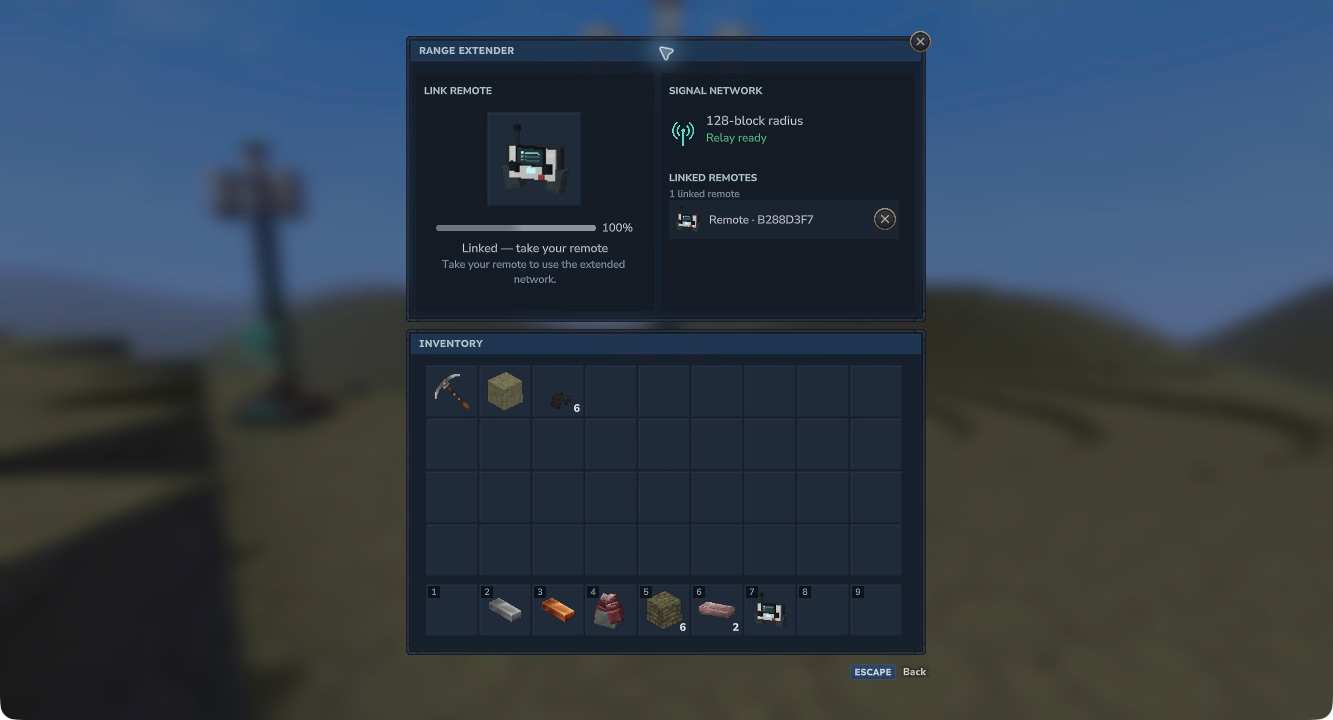
The native panel in Hytale 0.7.4 shows all four storage rows and the hotbar, with quiet slot edges and standard Hytale panels. After six seconds, the same remote is ready to retrieve from the linking slot.
Build a relay route
Your body can reach a linked mast within 128 blocks. Each subsequent mast must be within 128 blocks of the previous mast, and the final mast must be within 128 blocks of the robot. Link every mast on that route to the same Fleet Remote. Distance is measured in three dimensions.
Thin, steady cyan curves show direct connections between nearby loaded masts that share a linked remote. Each curve rises into the sky and returns to the other mast, with its height scaling to the distance between them. The cyan glow stays visible at night without flashing particles. Several shared remotes produce one curve for that pair. Connected masts light the nearby ground.
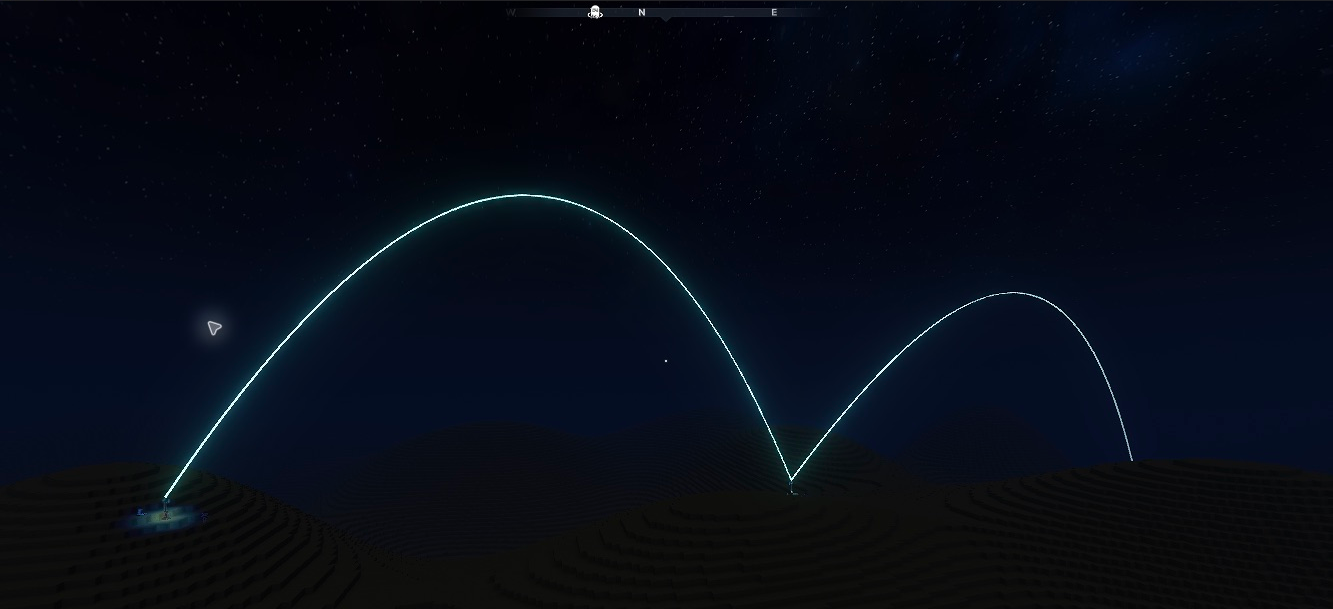
Hytale 0.7.4: luminous connections remain visible at night, with light around the linked masts. Unlinking a required relay removes its curves and lighting.
The handset uses this live route for availability, editing and control. A robot within 128 blocks of your body still works directly.
While you hold a bound Fleet Remote, the server activates its connected mast network and the original robots covered by that network. Your body must be within 128 blocks of a linked mast, and every mast hop must remain within 128 blocks. A distant robot may briefly show Connecting… while Hytale loads it, then become Ready once its identity and route are validated. This also discovers robots saved before the range feature was installed.
The network keeps the relevant masts and robots active while you use the remote. Putting it away, leaving connected coverage or leaving the world lets those areas unload normally. Your body still determines the route while you control a robot. Breaking or unlinking a required relay removes its connection and ends control safely if no alternative route remains. Networks operate in the remote’s original world.