Optimus Link
Optimus Link
Craft humanoid robots, link them to a Fleet Remote and control them one at a time, each with its own tools and inventory.
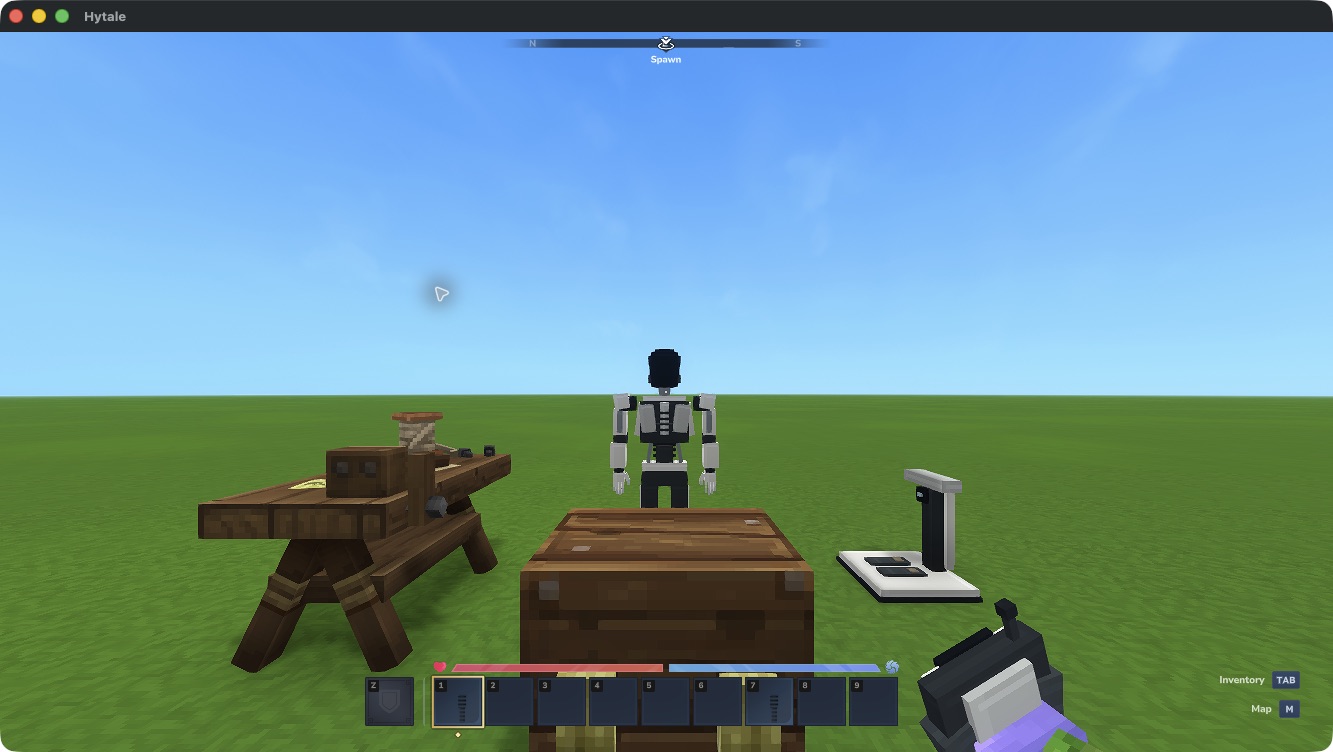
Native development workshop. This earlier capture illustrates the equipment layout; newer controls are described in the guide.
The control-return fixes have singleplayer confirmation. Select a download whose declared compatibility includes your exact game patch. Real second-client play, sound listening and some animation transitions remain under review. See compatibility and backups.
Each robot belongs to its deploying player and links to one remote. Search the scrolling roster by name, sort by distance and choose which robot to control. A portrait pencil opens its saved name and six-colour appearance editor. Your body stays behind, exposed to normal damage while you control a robot. Select Release Control in hotbar slot 1, then right-click to return.
Optimium and relay coverage
Find Optimium ore in newly generated underground stone and smelt its raw material in a normal Furnace. Use the ingots to craft Range Extenders: 3.5-block signal masts with a remote-linking computer, a 128-block radius and connections that relay through nearby masts. Steady cyan arcs mark linked masts at night.
See the ore, ingot and mast in game.
Start a fleet
- Install a compatible release.
- Craft an Assembly Dock, a remote and deployment units.
- Deploy and link your first two robots.
- Choose a robot, equip it and take control.
The Assembly Dock crafts equipment without fuel or power. Robots retain their own inventories when parked. This version has no charging, autonomous jobs or ownership-transfer system.
Choose a compatible release or browse the source repository. This independent fan mod is not affiliated with Tesla or Hytale.