First steps
Your first shrinking trip
Start on open, level ground in a backed-up test world. Keep enough room to return to full size. Shrinking changes the living entity, its collision bounds and the player’s view; it does not shrink the surrounding world.
Gather and craft
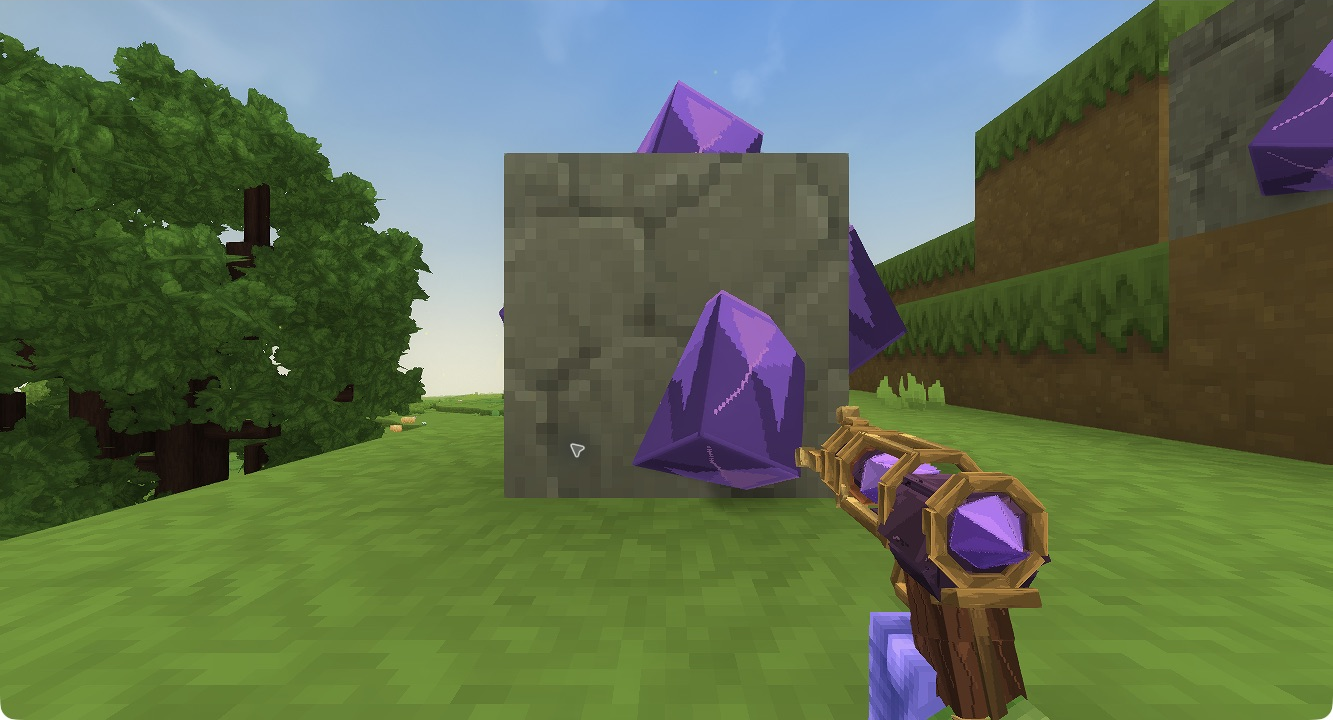
The implemented acquisition route places Shrinkium Crystal Ore in newly generated stone caves in the default world. Look for violet mineral deposits on exposed cave stone at least 24 blocks below the local surface. Each mined ore drops two crystals. Existing terrain is not retroactively changed.
Craft a Shrink Ray at Workbench → Tools using 6 Iron Bars, 4 Copper Bars and 2 Shrinkium Crystals. Carry additional crystals in the hotbar or main inventory for shots. The recipe consumes its own two crystals; activation uses another crystal.
This acquisition and recipe path is implemented. Ordinary native cave discovery, mining and Workbench crafting still need a complete playtest, so do not treat this guide as proof of a finished survival progression.
Try SELF first
- Hold the ray and use Secondary to open the size panel.
- Choose 75%, 50% or 25%. Choose 75% for a gentler first change.
- Press SELF. One successful change consumes one crystal.
- Move around the open area and check your view and clearance.
- Return to clear space and use the restoration instructions.
Native Hytale 0.7.4: selecting 25% and using SELF lowers the viewpoint. The crystal count changes from 8 to 7. This test location was supplied with items; it does not demonstrate survival acquisition.
Then try an aimed shot at a visible living entity. The ray reaches up to 16 blocks and stops at walls or unloaded terrain. Absolute sizes use the original baseline: repeated 50% shots do not keep halving the target. The next useful goal is controlled shrinking and recovery, rather than attempting to enter a space with no safe full-size exit.