Machines and propellant
Machines and propellant
Craft the Astral Assembly Bench at the stock Workbench using 6 iron bars + 4 copper bars. Its Machines & Components category contains the processors, launch infrastructure and spacecraft components.
| Processor | Assembly cost | What it makes |
|---|---|---|
| Orbital Smelter | 8 iron + 4 copper bars | Nickel, titanium and aluminium ingots |
| Component Press | 10 iron + 4 copper bars | Frame plates, copper coils and Thermal Shield |
| Fuel Refinery | 8 iron + 6 copper bars | Crude hydrocarbon from oil shale |
| Propellant Conditioner | 8 iron + 8 copper bars | Conditioned propellant cells |
Use a processor to open its native input, fuel and output slots. Put the recipe’s materials in input and gathered stock Fuel resources in the fuel slot. Processing consumes both. Leave room for the complete result. Missing inputs, exhausted fuel or a full output stop the work; the machines do not create offline fuel.
The fuel chain
Gather oil shale in the frontier. Refine 2 oil shale → 1 crude hydrocarbon, then condition 1 crude hydrocarbon + 1 empty fuel cell → 1 full propellant cell. Craft two empty cells from 1 nickel ingot + 1 copper bar at the Assembly Bench.
Each full cell deposits 1,000 units into a rocket and returns an empty casing. Recovering 1,000 units requires an empty casing and returns a full cell. Keep inventory space for either exchange. A rocket holds 16,000 units.
A round trip requires 9,000 units: 6,000 outbound and 3,000 protected for the return. Nine full cells therefore fund the first expedition. Previously paid journeys retain their recorded return reserve. No Lune mineral is needed to make this fuel.
Store finished components before mining: ordinary death drops still apply. Recipes, quantities and processing times are listed on the recipes page.
Flight preparation and oxygen controls
Flight control separates trip fuel from the suit and oxygen checklist. Before departure, equip the complete Survey suit or better and carry at least four minutes of portable oxygen. The prepaid homeward return stays available when oxygen runs low.
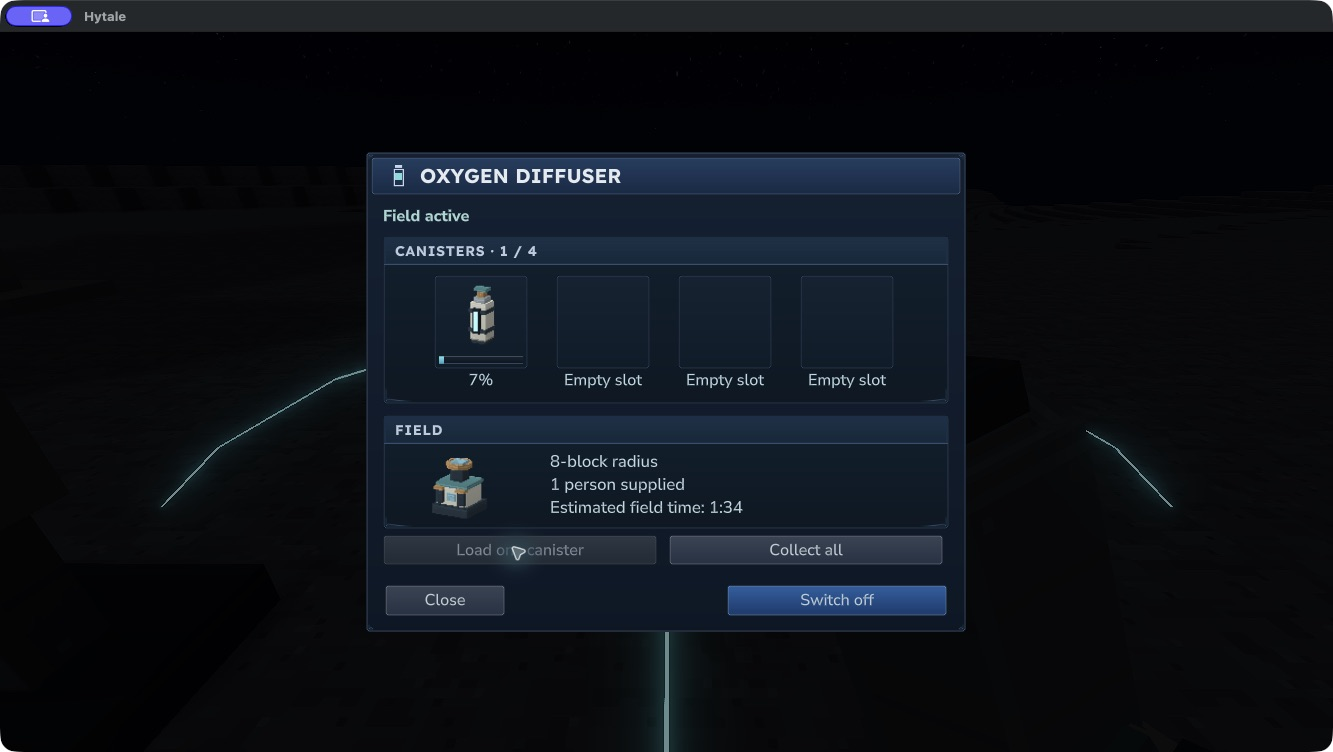
The Oxygen Diffuser’s panel displays four real canister slots with individual charge bars, the eight-block field radius, occupants and estimated field time at the current consumption rate. Use Load one canister, Collect all and Switch on/off. Make room for collected items; the panel does not bypass inventory limits.
Choose a file whose release notes include the interface and features you need. Suit, oxygen and flight presentation are still being refined.
Expedition workbenches
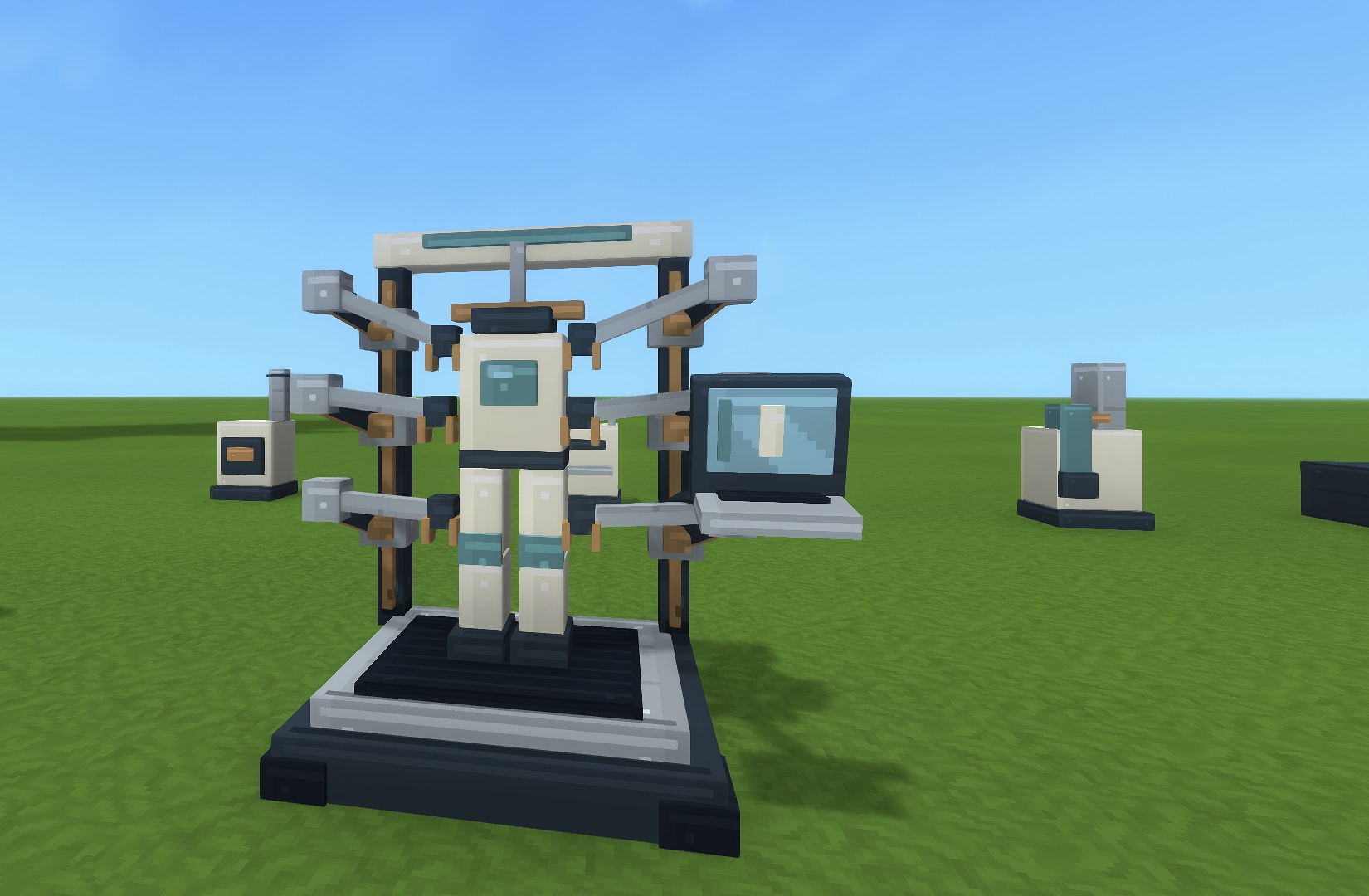
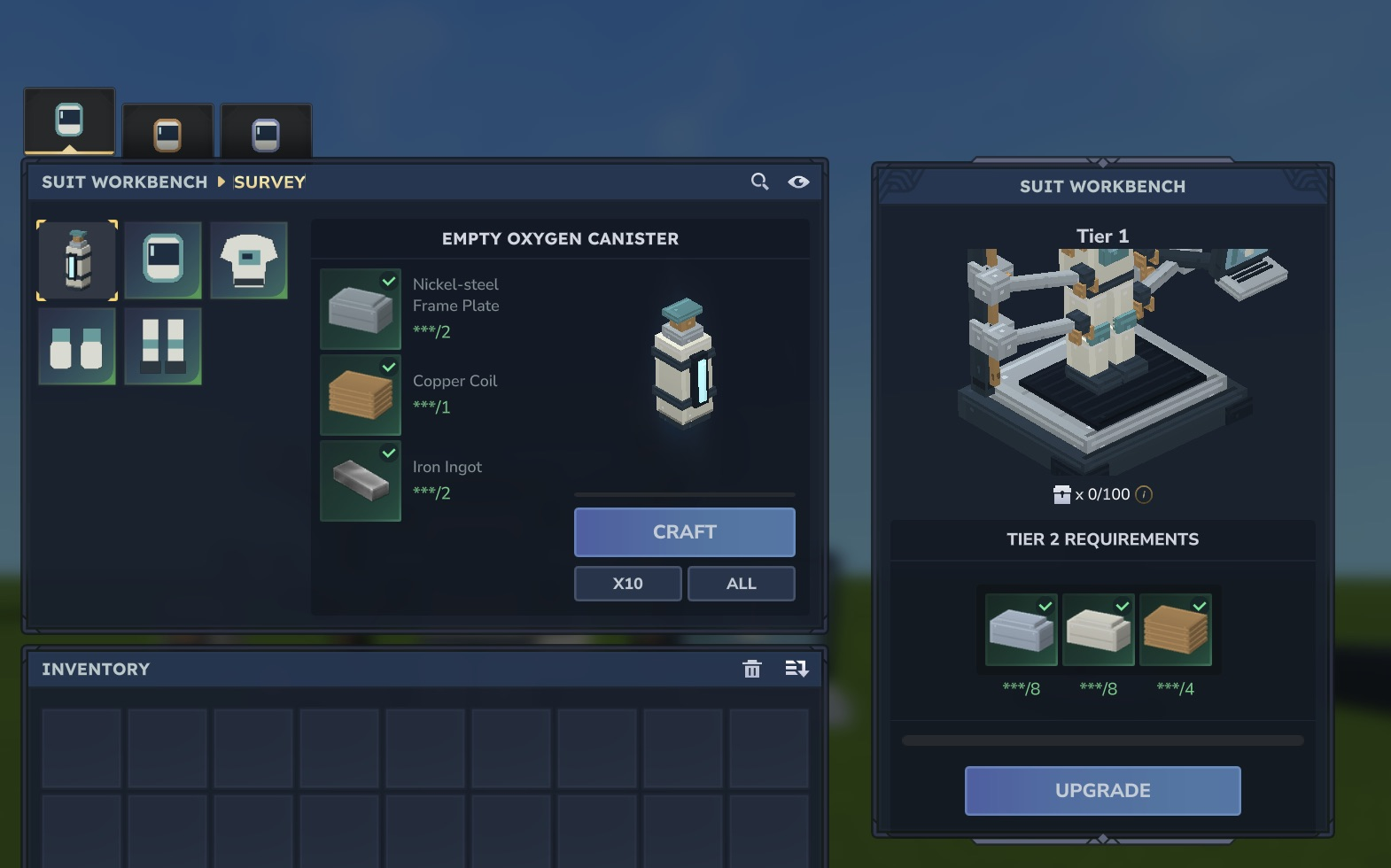
Use the Suit Workbench to browse the Survey, Thermal and Deep Space equipment tiers and inspect their ingredient requirements. Prepare the full suit and a charged oxygen canister before leaving breathable air. The Oxygen Collector fills portable canisters in breathable environments; the diffuser uses stored oxygen to support its field.
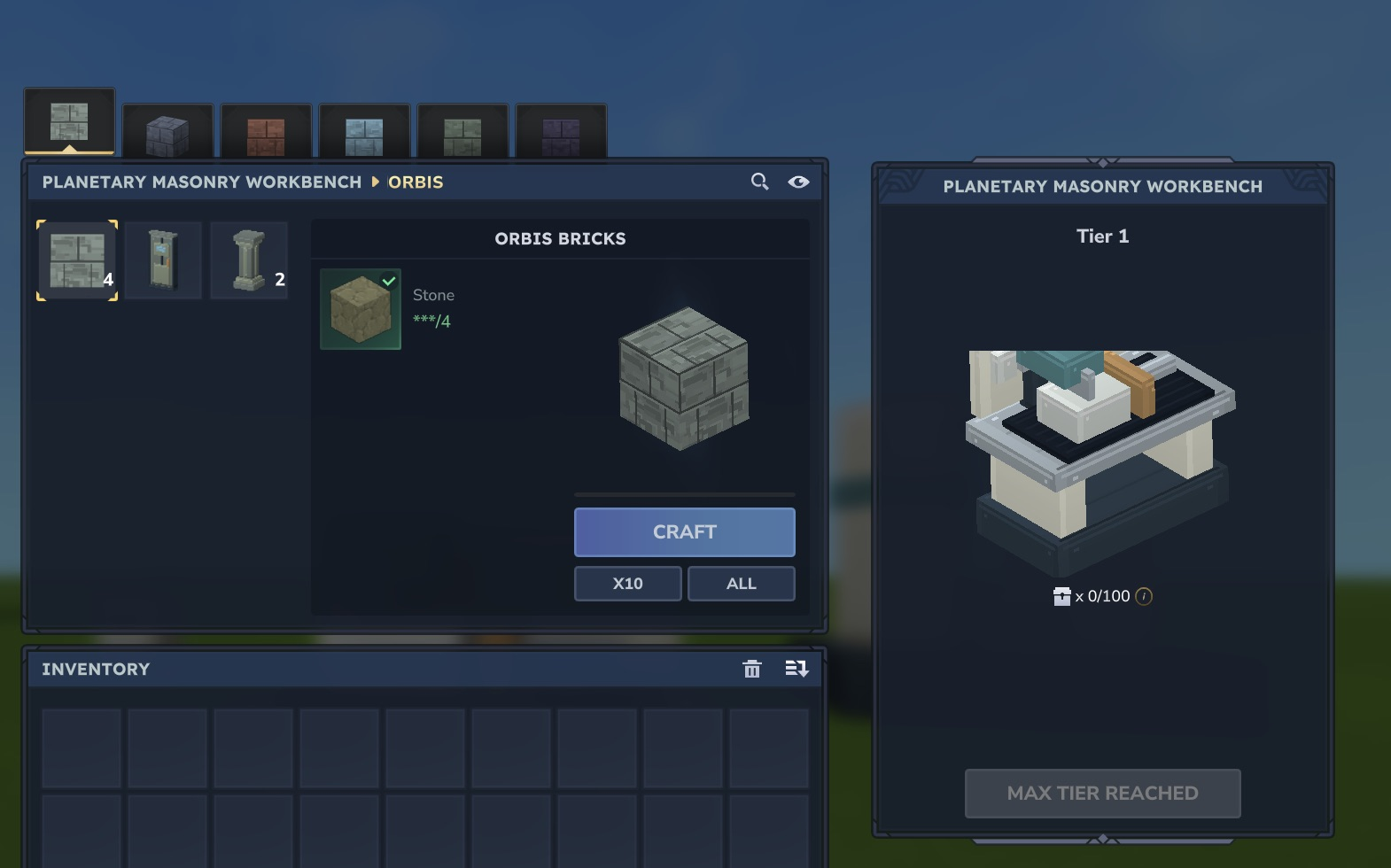
The Planetary Masonry Bench groups bricks, columns and airlocks by planet. Bring the required planetary materials; the recipe tabs do not make future destinations playable.