Launch platform and construction console
Launch platform and construction console
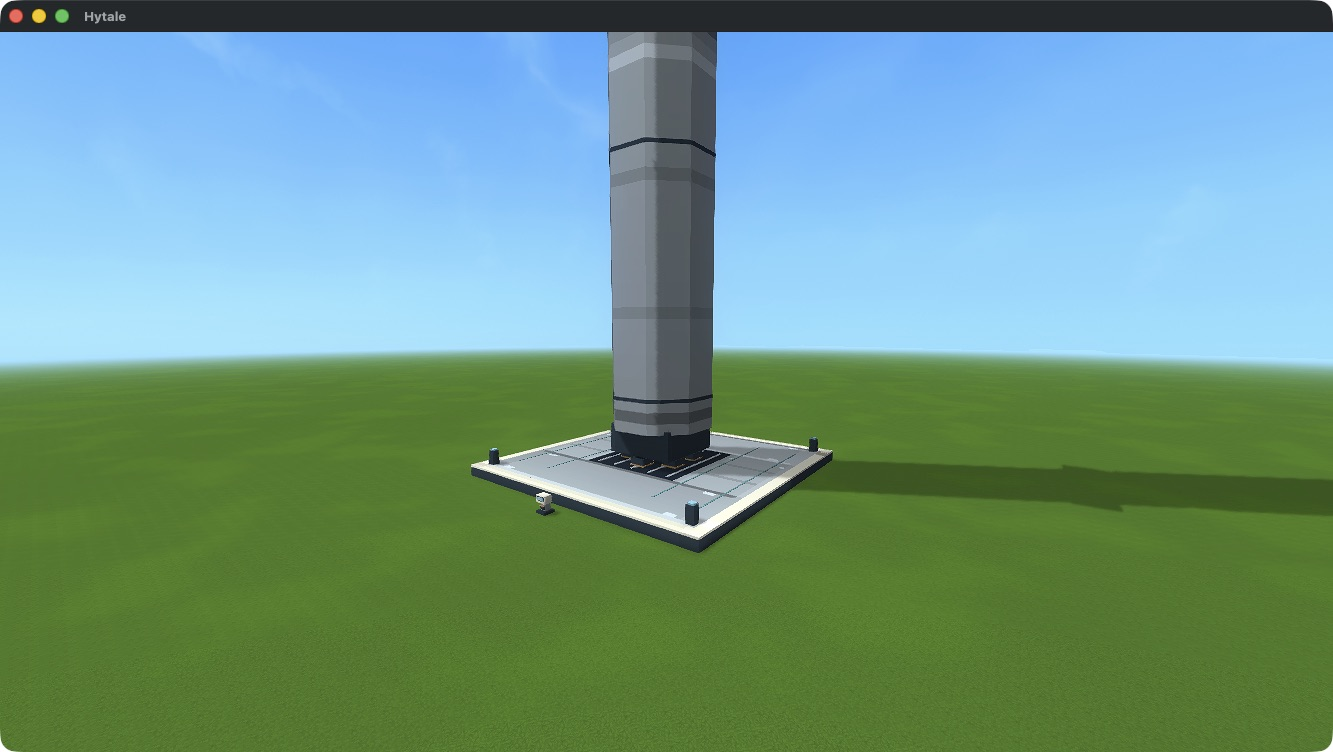
Build 25 Launch Pad Modules in five touching rows of five, at the same height. Each module occupies 5×5×1 blocks; their roots are five blocks apart. The completed structure forms one continuous 25×25 deck with a flame bed and corner beacons.
Each module costs 8 iron bars + 2 nickel ingots at the Assembly Bench. The complete deck therefore costs 200 iron bars + 50 nickel ingots.
Place the separate console
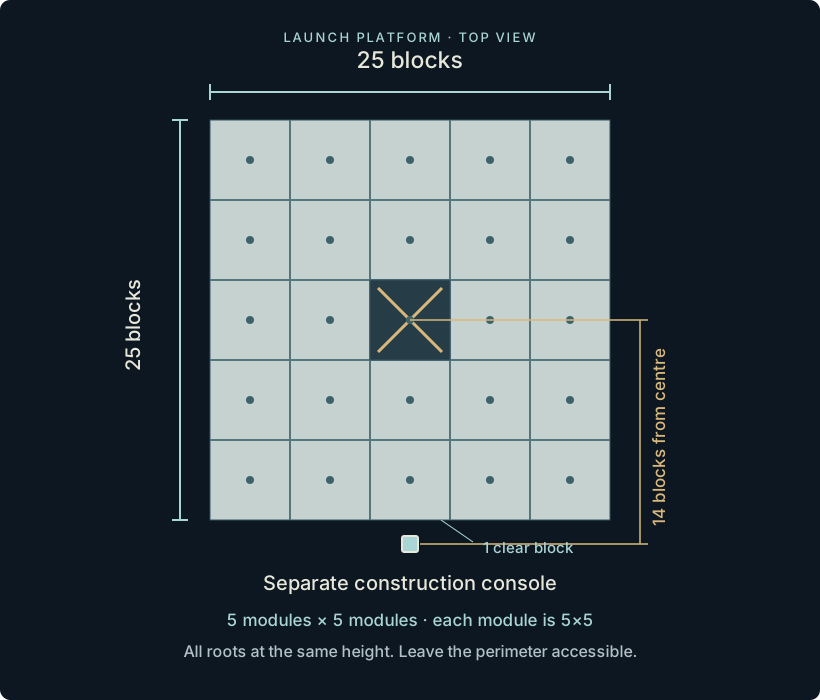
Craft a Launch Construction Console from 4 frame plates + 2 copper coils + 2 copper bars. Place it at floor height outside an edge midpoint: its root is 14 blocks from the platform centre.
Placing the console after a complete pad lets it recognise the direction. If placed first, it initially looks north. Use the Pad direction button before selecting a blueprint to choose another side. Keep the console and perimeter accessible.
Choose a ghost blueprint
Select Odyssey Heavy for the first expedition. Its full-size cyan ghost shows where the rocket will stand. A preview accepts no fuel and cannot launch.
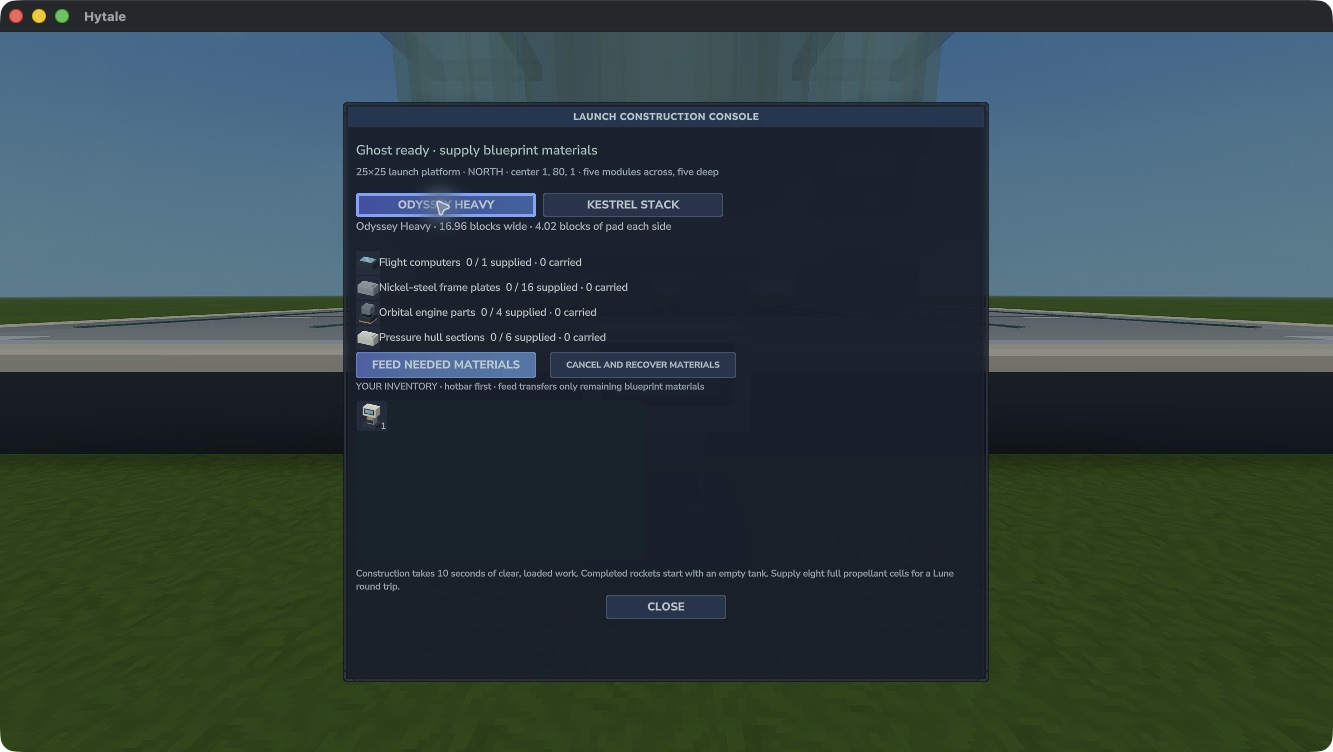
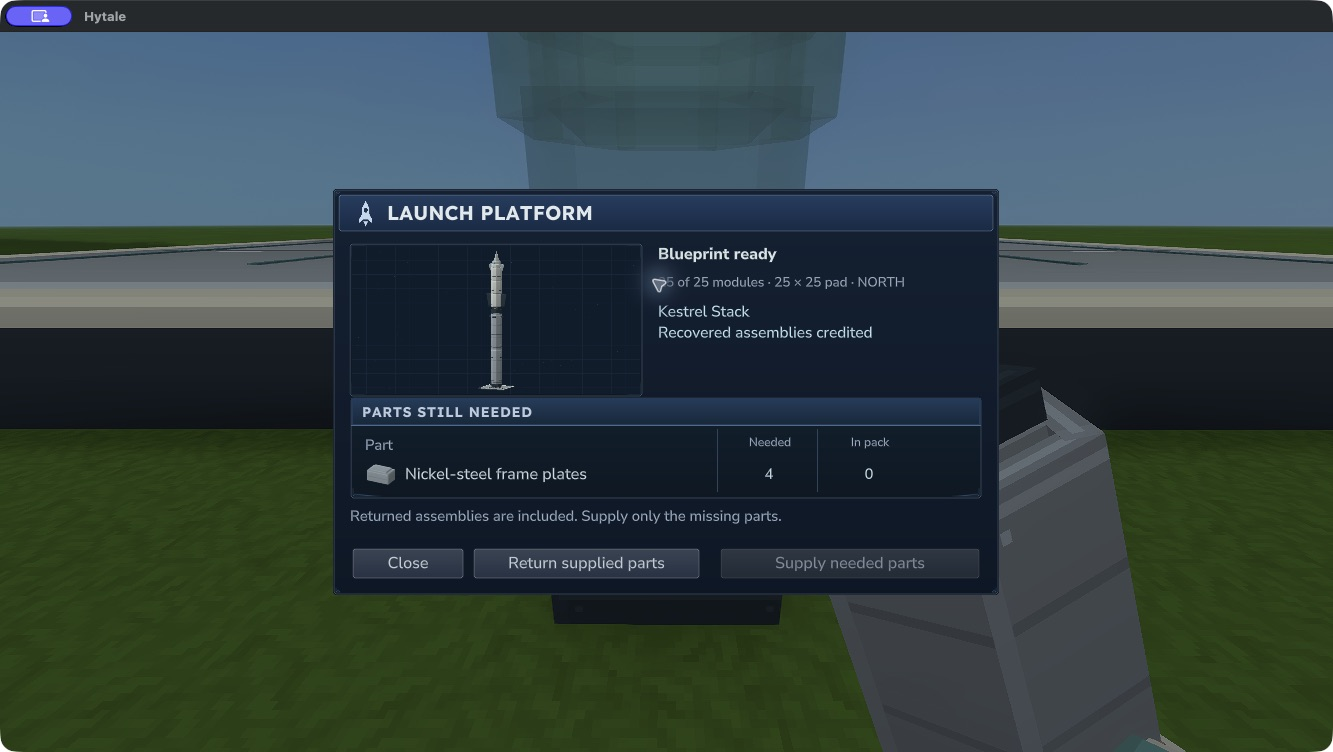
The redesigned panel lists only parts still missing, with separate Needed and In pack columns. Choose Supply needed parts while carrying the required parts. The console takes only missing quantities. You can supply the plan in stages; paid items and partial work are saved.
| Material | Odyssey | Kestrel |
|---|---|---|
| Pressure Hull Sections | 6 | 6 |
| Orbital Engine Parts | 4 | 6 |
| Flight Computers | 1 | 2 |
| Frame Plates | 16 | 24 |
| Thermal Shield | — | 1 |
Fully supplied construction takes 10 seconds while the whole pad and launch column remain loaded and clear. The progress bar follows actual paid work. Missing modules or obstructions pause it, with a reason shown on the panel. Repair or clear the site to continue; use Retry construction if a fully supplied plan was blocked before it could start.
Finish, recover and refuel
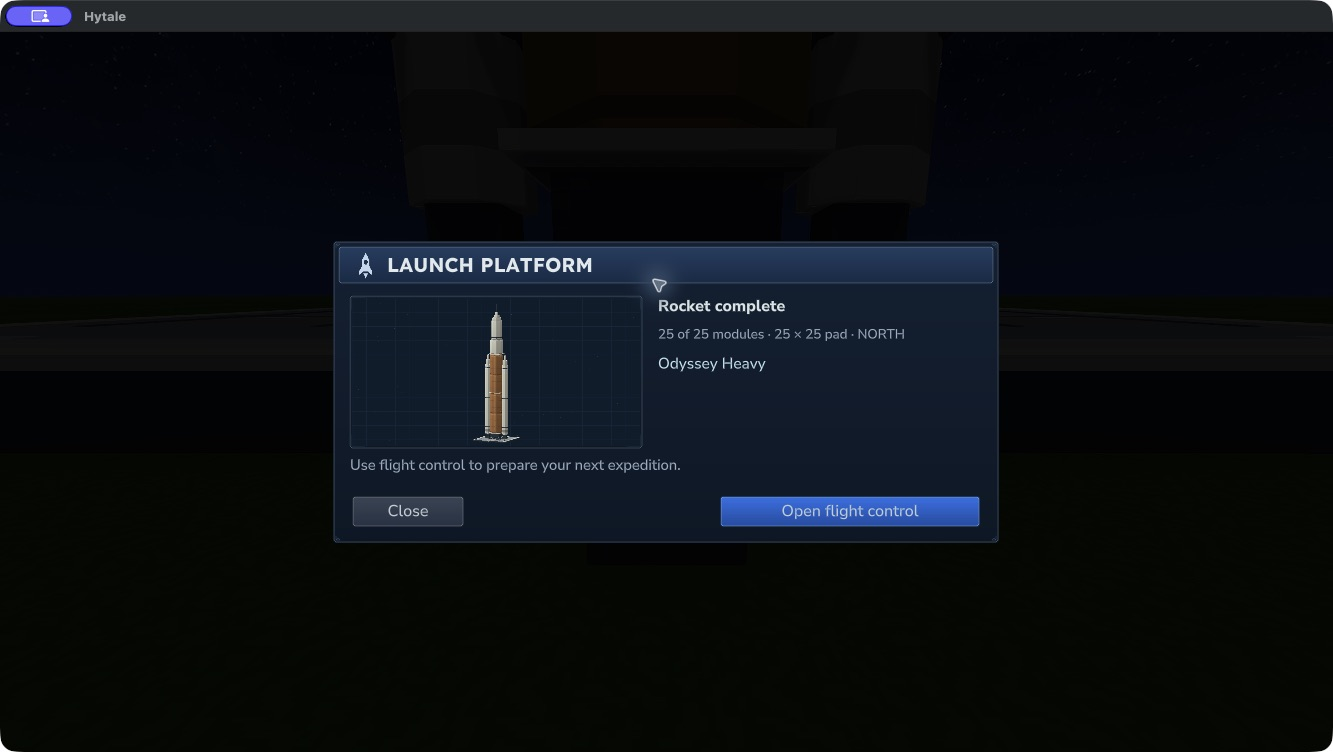
A completed build creates one owned rocket with an empty tank. The ghost disappears and a short fireworks celebration plays once. Reloading the completed yard does not replay it.
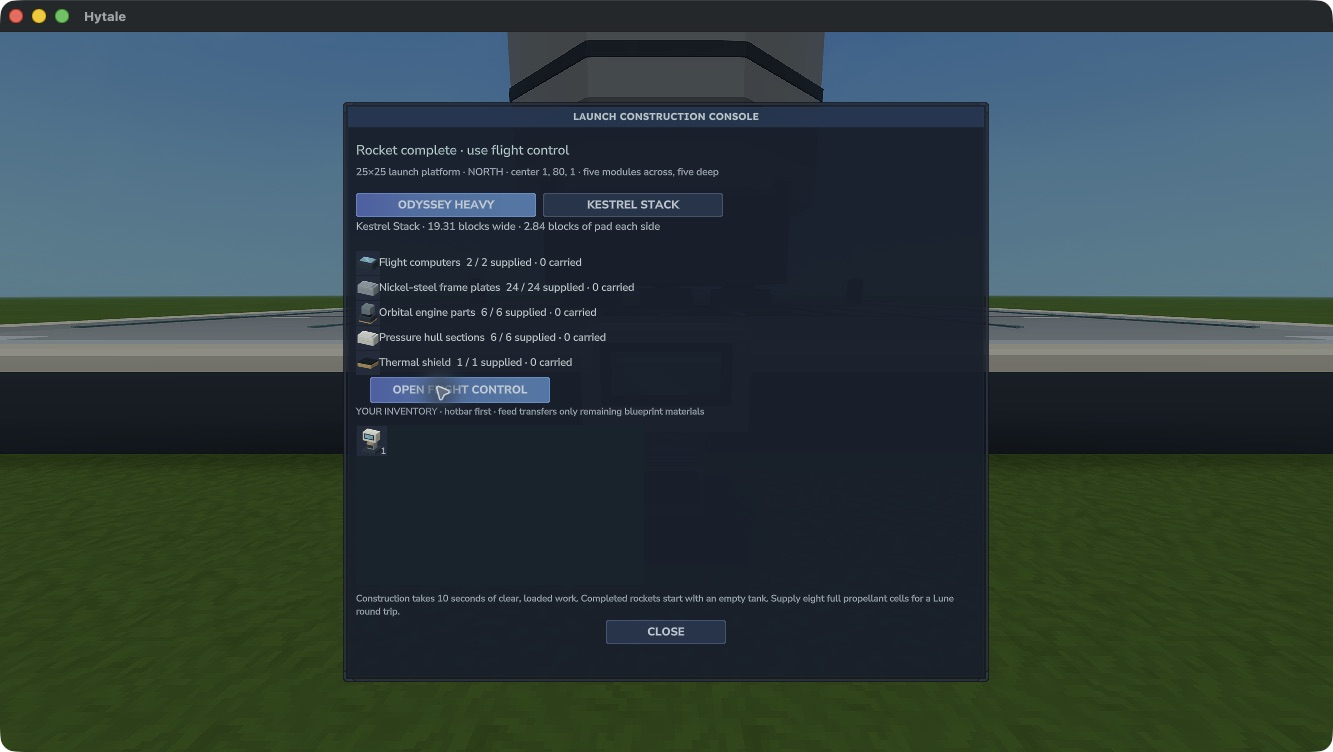
Before completion, Return supplied parts returns the exact paid items. Make room for every refund; if they cannot all fit, the console keeps everything. Cancel before changing a paid blueprint or direction. Drain and remove a finished idle rocket before starting another plan.
Choose Open flight control to deposit propellant. See machines and propellant for the finite fuel chain.
Leave airspace above the pad
Choose a low site. The established launch candidate requires a 19×19×164 clear column above Odyssey’s anchor, or 21×21×190 for Kestrel. The anchor sits one block above the central module.
The new extended-ascent candidate increases those requirements to 19×19×205 for Odyssey and 97×97×231 for Kestrel’s booster recovery airspace. Those larger clearances are part of the flight work awaiting native verification. Leave the full column below world height 320 and read the exact candidate’s refusal message.